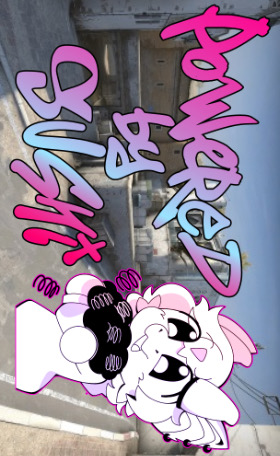
AMOLED customization · 456 × 280 RGB565
Make OpenDrift
look like yours.
Choose a JPG, PNG, or WebP. The image is center-cropped and converted locally into the exact format used by the Waveshare AMOLED display. Nothing is uploaded to OpenDrift servers.
OpenDrift × our friends
Collab wallpapers
Powered by Sushi
Titanium shock springs for RC drift, with a look all their own.
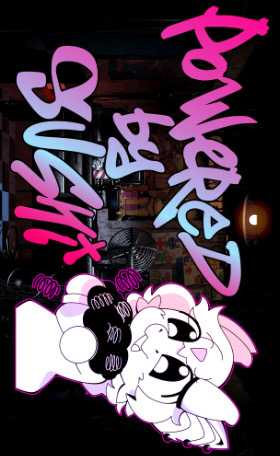
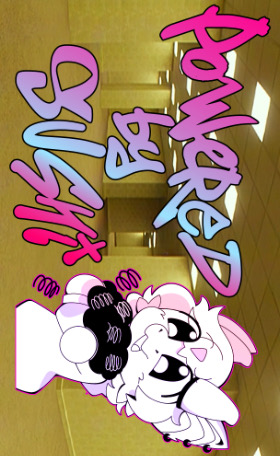
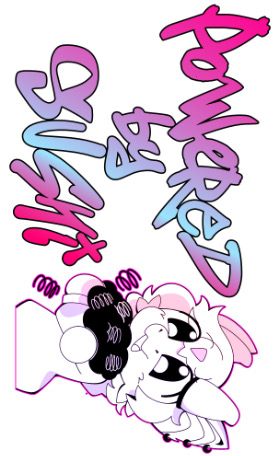
Original artwork, shared with the collaboration. Downloads preserve the supplied 280 × 456 JPEGs. Use the converter below to preview your crop and prepare a display-ready .rgb file before uploading to the gyro.
Image converter
Prepare the background.
Choose an image to generate a preview.
AMOLED LANDSCAPE PREVIEW
Install on the gyro
Upload it over OpenDrift Wi-Fi.
The built-in galaxy background always remains available as the permanent fallback.
- 01
Power the car at the bench and keep it stationary. Join the gyro's OpenDrift Wi-Fi network.
- 02
Open 192.168.4.1 and find AMOLED Backgrounds.
- 03
Choose the downloaded .rgb file, upload it, then select it on the web page or AMOLED Backgrounds page.
Do not drive during upload.Writing approximately 250 KB to flash can briefly pause background tasks. Steering control resumes normally after the maintenance operation.